
CCTV Installation: What to Know Before You Install
A CCTV system is only useful when it is planned around the actual needs of your business. Simply installing cameras without considering their position, image quality, storage, and access can leave important areas unprotected or result in footage that isn’t useful when you need it.
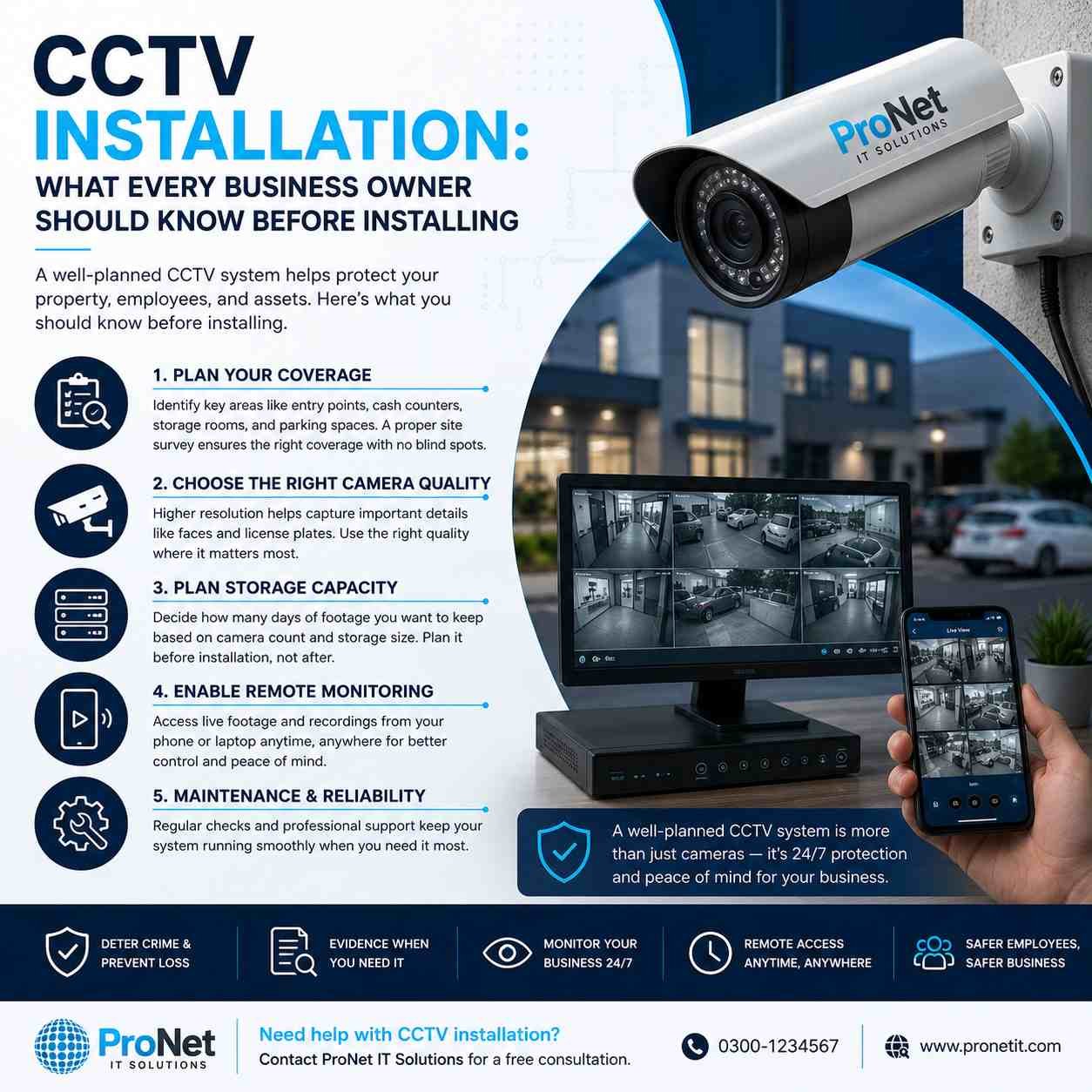
1. Plan Your Camera Coverage
Start by identifying the areas that matter most, such as entrances, reception desks, cash handling points, storage rooms, corridors, and parking areas. A proper site assessment helps determine the right camera positions and reduces unwanted blind spots.
2. Choose the Right Camera Quality
Not every location needs the same level of detail. Areas where you may need to recognize faces, vehicles, or other important details should have cameras with suitable resolution and features.
3. Decide How Long to Keep Footage
Your storage requirements depend on the number of cameras, recording quality, and how many days of footage you want to retain. Planning this before installation helps avoid running out of storage later.
4. Consider Remote Monitoring
Modern CCTV systems can allow authorized users to view live cameras and recordings from a phone, tablet, or computer. This can be especially useful when you’re away from the office or managing multiple locations.
5. Think About Maintenance and Reliability
A CCTV system needs more than installation. Reliable equipment, proper configuration, regular checks, and professional support can help keep your cameras and recordings working when they matter most.
Security That Gives You Confidence
A well-designed CCTV system does more than record what’s happening. It helps you monitor your workplace, protect important areas, and have greater peace of mind knowing your business is being watched around the clock.
ProNet IT Solutions can help you plan, install, configure, and maintain a CCTV solution based on your business’s actual requirements.
Leave A Comment