
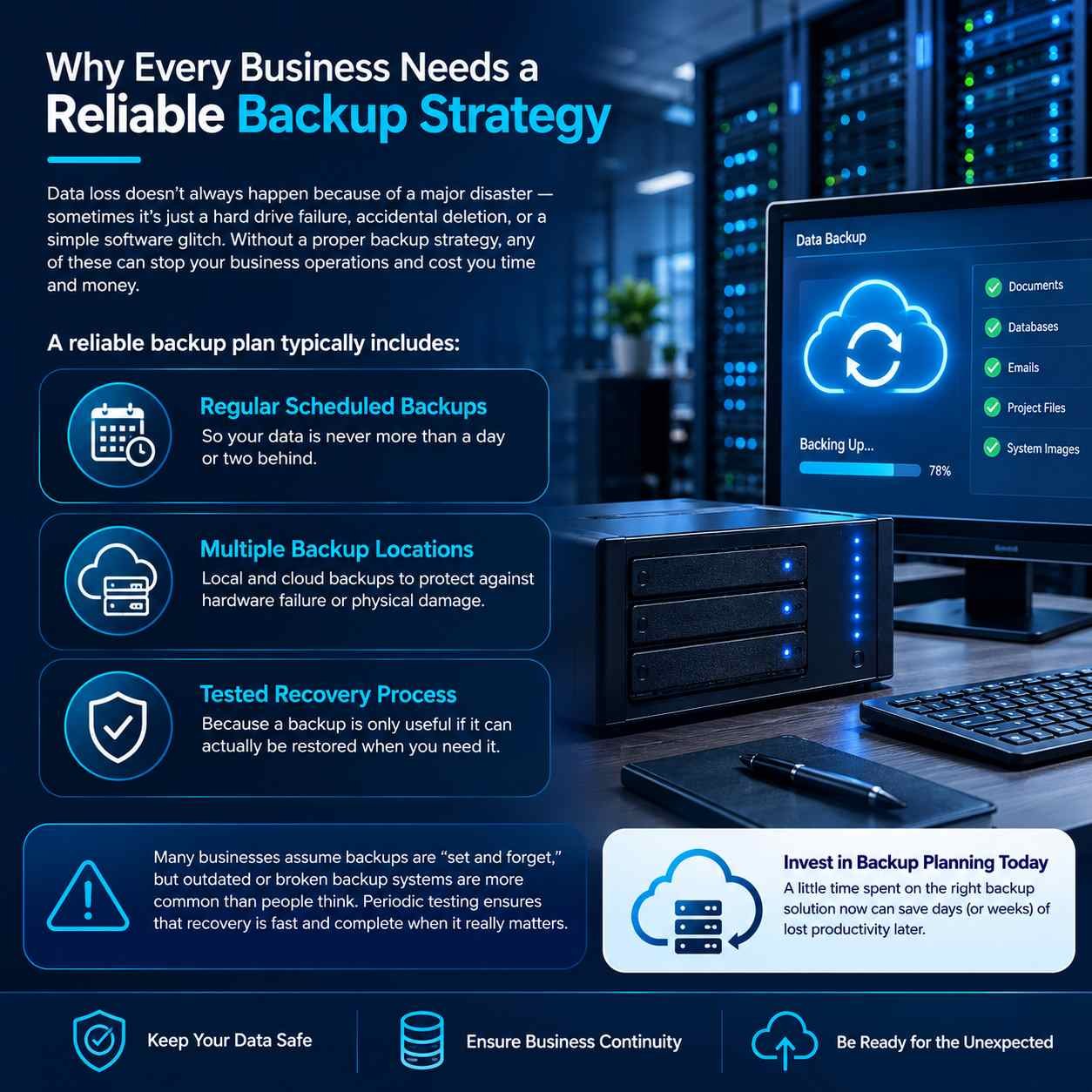
Why Every Business Needs a Reliable Backup Strategy
Your business data can disappear for many reasons. A failed hard drive, an accidentally deleted file, a damaged computer, or even a software problem can leave you without access to information you rely on every day.
That is why having a proper backup plan is more than just copying files. It should give your business a dependable way to protect its data and get back to work when something goes wrong.
What Should a Good Backup Plan Include?
1. Automatic & Regular Backups
Backups should happen on a schedule rather than depending on someone to remember them. Regular copies help keep the amount of potentially lost data as small as possible.
2. More Than One Backup Location
Keeping every copy in the same place creates unnecessary risk. Using a combination of local storage and secure cloud or off-site backups provides another layer of protection if equipment is damaged or unavailable.
3. Recovery That Has Been Tested
Simply seeing “backup completed” doesn’t mean your data can definitely be recovered. Regular restore tests help confirm that your files are actually usable when you need them.
Don’t Assume Your Backups Are Working
One of the easiest mistakes to make is setting up a backup system and then never checking it again. Storage can fill up, software can stop running, credentials can expire, or backups can fail without anyone noticing.
A quick periodic review and recovery test can reveal these problems before an actual emergency occurs.
Protect Your Business Before You Need To
A good backup strategy can turn a major data-loss incident into a manageable recovery. Spending time on the right backup setup today can help prevent long periods of downtime tomorrow.
ProNet IT Solutions can help you plan, configure, monitor, and test a backup solution that fits the way your business works.
Leave A Comment